ExtensionsDeveloper toolsPython Runner
 Python Runner
Run Python code in your browser, offline
You found a few lines on Stack Overflow, in a GitHub issue or in an answer from an AI assistant, and you want to know whether they work. The computer in front of you has no Python, or it is a locked-down work laptop where you cannot install one.
Add to Chrome — free (Python Runner)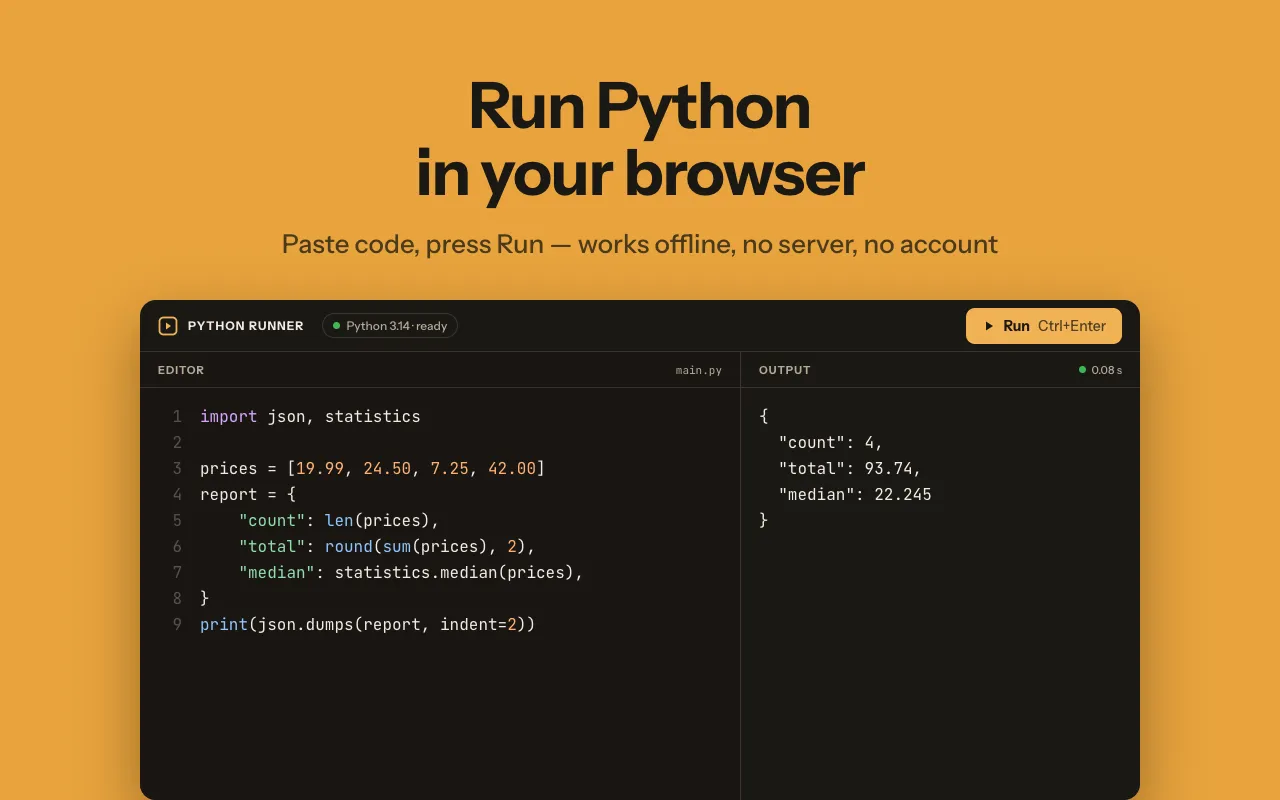
Python Runner gives you an editor and an interpreter in a Chrome tab, and it does not need an internet connection.
What it does
Python Runner keeps a CPython interpreter inside the extension, so you can paste a script, press Run and read the output without installing Python.
- Editor with syntax highlighting, line numbers and auto-indent, in a light or dark theme
- Run with a button or Ctrl+Enter, and a Stop button that halts even an infinite loop
- Live output with real CPython tracebacks and line numbers that match the editor
- A stdin field, so scripts that call input() run as expected
- Snippets saved on your device and reopened in one click
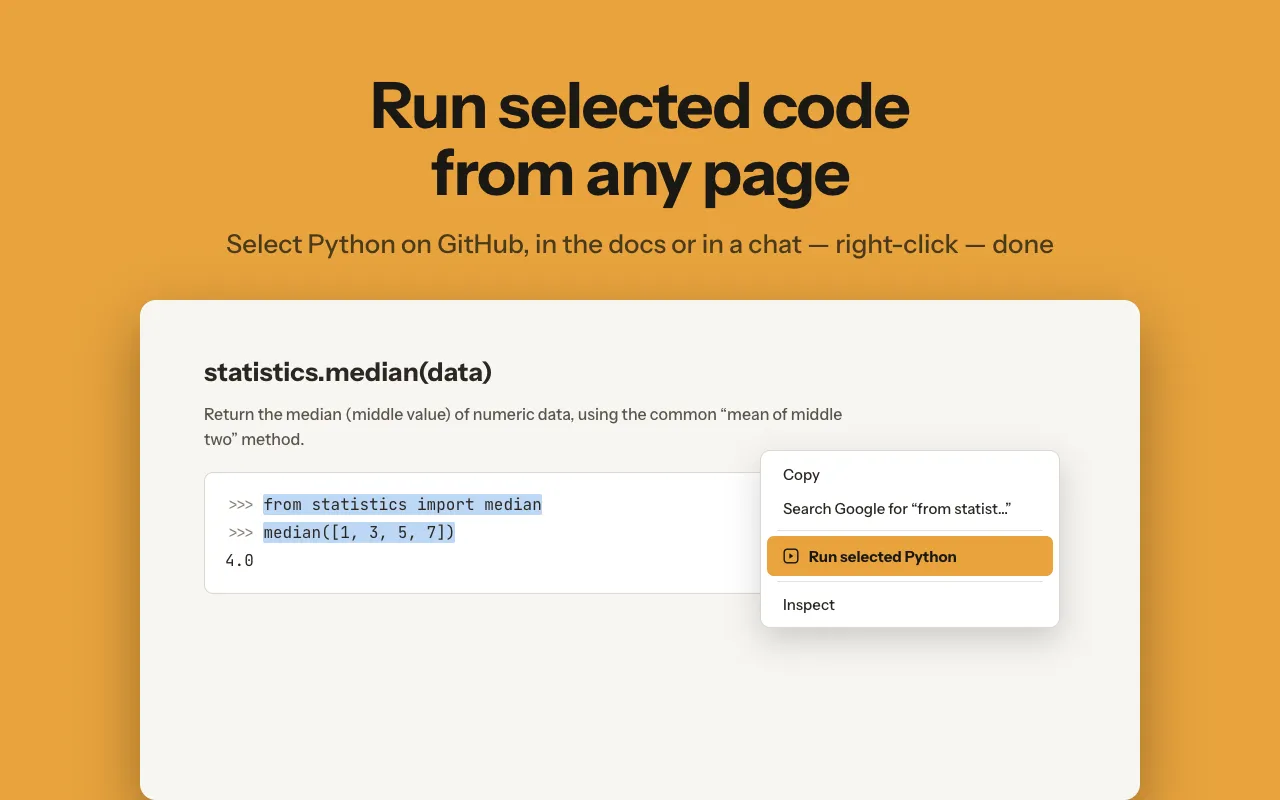
- Run selected Python from the right-click menu on any page
How it works
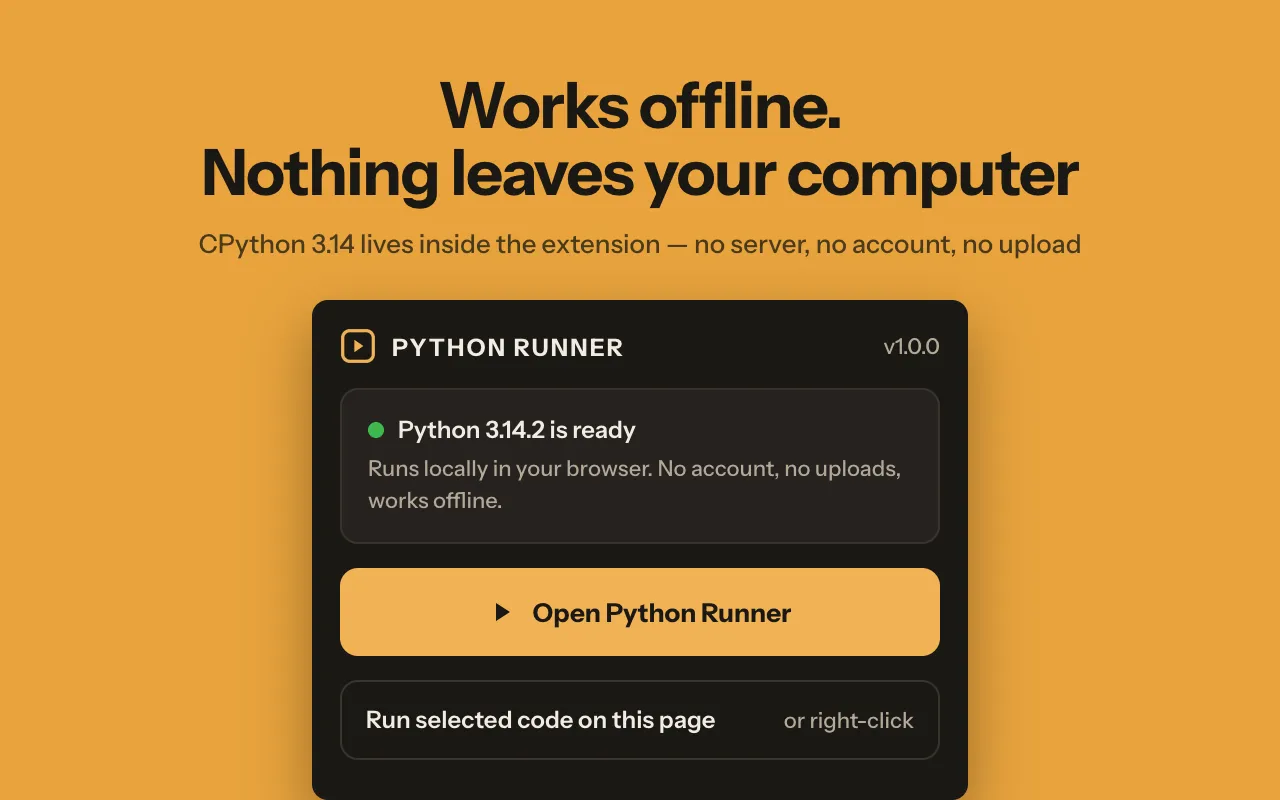
- Click the toolbar icon and choose Open Python Runner. There is no sign-up and no daily limit on runs.
- Type or paste a script into the editor.
- Press Run or Ctrl+Enter. Output streams into the output panel as the script prints it.
- The extension ships CPython 3 compiled to WebAssembly (Pyodide), so you get the standard interpreter and its standard library: json, re, datetime, itertools, collections, csv, math and the rest. Every run starts from a fresh namespace, so variables from the previous run do not leak into the next one.
- If the script calls input(), type the values into the stdin field first.
- Save the script as a snippet if you will need it again; it stays on this device.
Running code straight from a web page
Select a block of Python on any page, right-click and choose Run selected Python. The runner opens in a new tab and executes the selection with its indentation kept. It is a quick way to test an answer before you copy it into a project.
Who it is for
- Students working through a course can follow along on whatever computer they have.
- Developers can check a regex, a date calculation or a list comprehension without opening an IDE.
- Teachers can show output live in class, and because the runner works offline, the school network does not get in the way.
What it can't do
- Standard library only: numpy, pandas, requests and other pip packages are not available.
- Python code has no network access, and files do not survive a restart.
- No graphics output, so matplotlib windows and turtle are out of scope.
- Runs a whole script at a time rather than one line at a time like an interactive console.
- The first launch takes a few seconds while the interpreter warms up.
Permissions and your data
Does not read or change any web page on its own.
storage- Keeps your current draft and saved snippets in Chrome's extension storage on this device, along with your settings.
contextMenus- Adds the Run selected Python item to the right-click menu when you select code on a page.
activeTab- Lets the extension read the code you selected on the current tab, only at the moment you click Run selected Python.
scripting- Works with activeTab to fetch that selected text from the page once; the extension does not change pages or run on them otherwise.
Python Runner guides
Try Python Runner
Free. Remove it any time from the Chrome toolbar.