ExtensionsAudioKey Changer
 Key Changer
YouTube pitch changer: change a song's key, keep the tempo
You found a cover or a backing track on YouTube, and it sits too high for your voice or in a key whose chords you do not know. Key Changer moves the sound of that video up or down in semitones right in the tab, and the video keeps its speed.
Add to Chrome — free (Key Changer)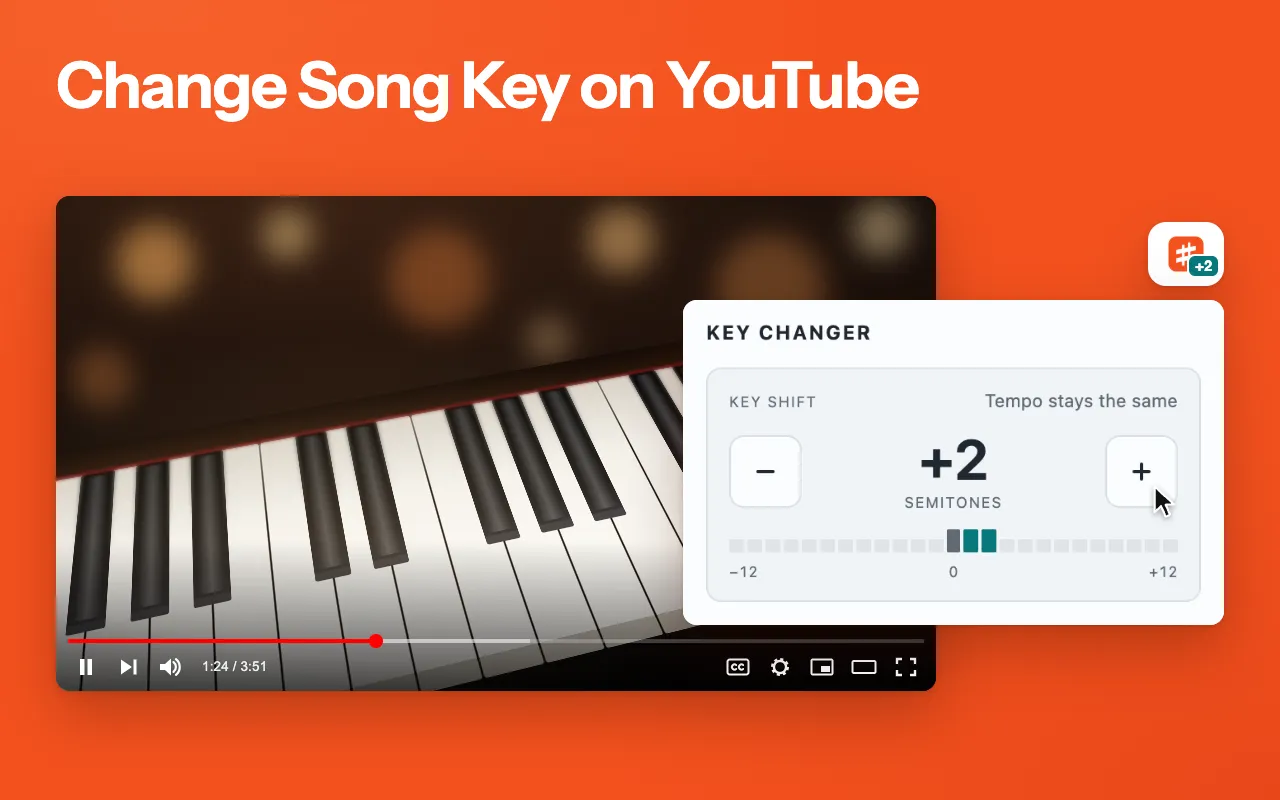
There is nothing to download or upload, and no account.
Key Changer is an independent extension and is not affiliated with YouTube or Google.
What it does
Key Changer moves the music in your tab up or down in semitones and leaves the tempo alone, so a cover that sits too high can play two semitones lower at the same speed.
- Plus and minus buttons and a clickable scale that move the key one semitone at a time, from −12 to +12
- Only the pitch moves: songs do not speed up or slow down
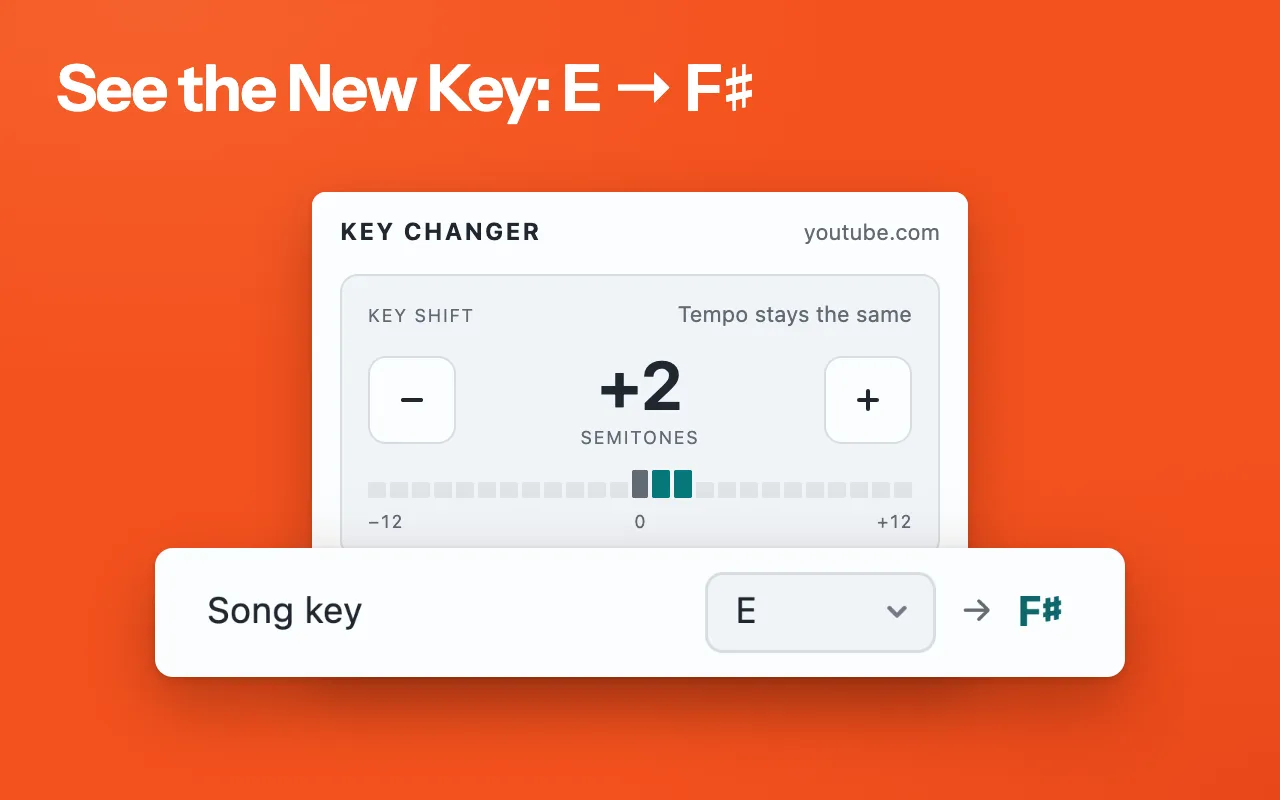
- A Song key list with 12 major and 12 minor keys that shows the new key, for example E → F♯ at +2
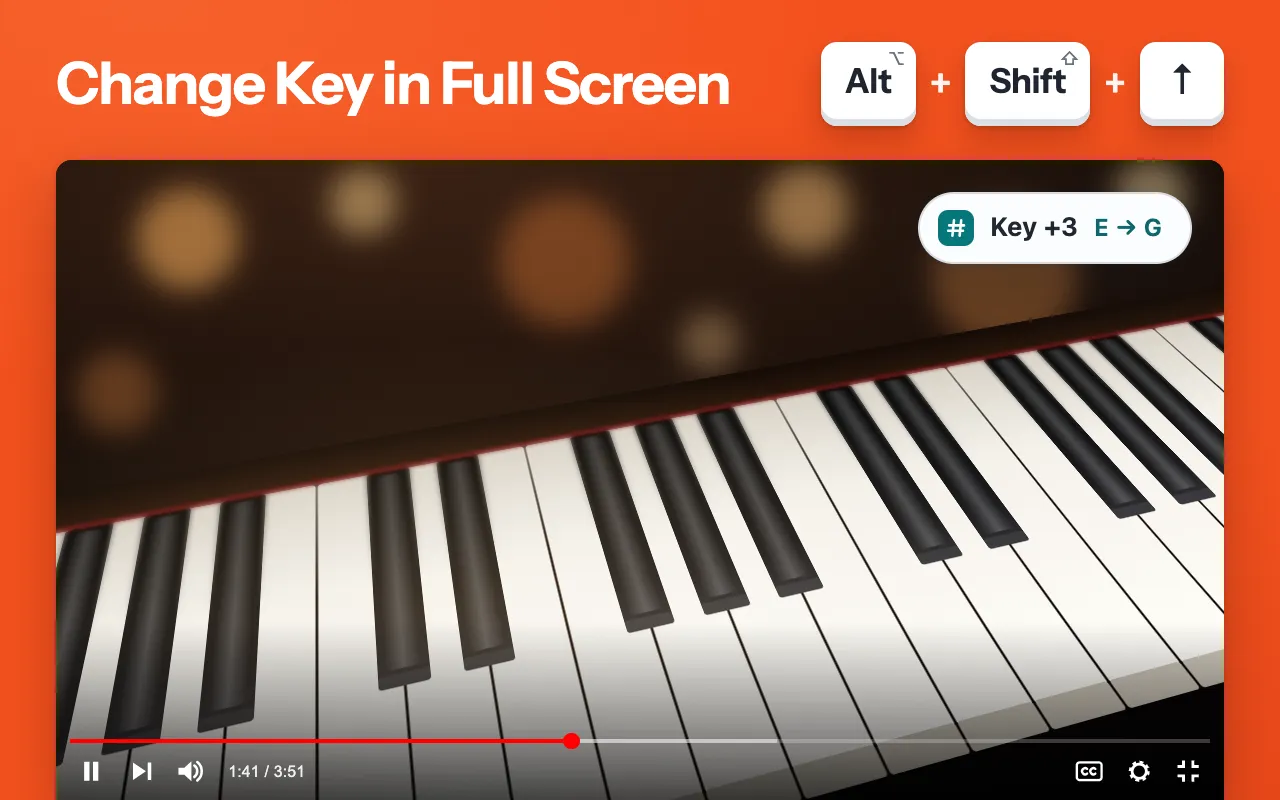
- Shortcuts that work without opening the popup, with a short on-page message that shows even over a full-screen video
- A badge on the toolbar icon with the current shift, such as +2 or −5
- The next video in the same tab keeps your shift
How it works
- Open a video on YouTube, or any page with a video or audio player, and start playing it.
- Click the Key Changer icon in the Chrome toolbar. The popup shows the site name and the current shift.
- Press + or − to move the key one semitone at a time, or click a point on the scale. The original keeps playing while the audio engine starts, then the new key fades in.
- If you know the original key, pick it in the Song key list, and the popup shows the new key next to it.
- If the page has not had a click yet, Chrome keeps its sound asleep. Click anywhere on the page once and the new key plays.
- Press Reset, or Alt+Shift+0, to go back to the original key.
Changing the key from the keyboard
Three shortcuts work without opening the popup: Alt+Shift+Up raises the key by a semitone, Alt+Shift+Down lowers it, and Alt+Shift+0 goes back to the original. On a Mac the same keys are Option+Shift. Each press shows a short message in the top-right corner of the page, with the new key if you have set the song key, and the message stays visible over a full-screen video. If you change these shortcuts in Chrome’s extension settings, the popup shows your own keys.
Who it is for
- Singers who need a cover a few semitones lower or higher to fit their range.
- Guitarists who want to play along in a key whose chords they already know.
- Karaoke fans moving a backing track to a comfortable key, and teachers who need a lesson video in another key.
- Bands trying out the key of each song before a gig.
What it can't do
- It does not detect the song key, and it changes only the pitch, never the speed or tempo.
- Shifts of six semitones or more sound less natural.
- It does not work on Chrome pages or in the Chrome Web Store.
- Some sites play audio in a way Chrome does not let extensions change, such as protected (DRM) audio on paid streaming services. The popup says so, and if the sound drops out, it offers to reload the page.
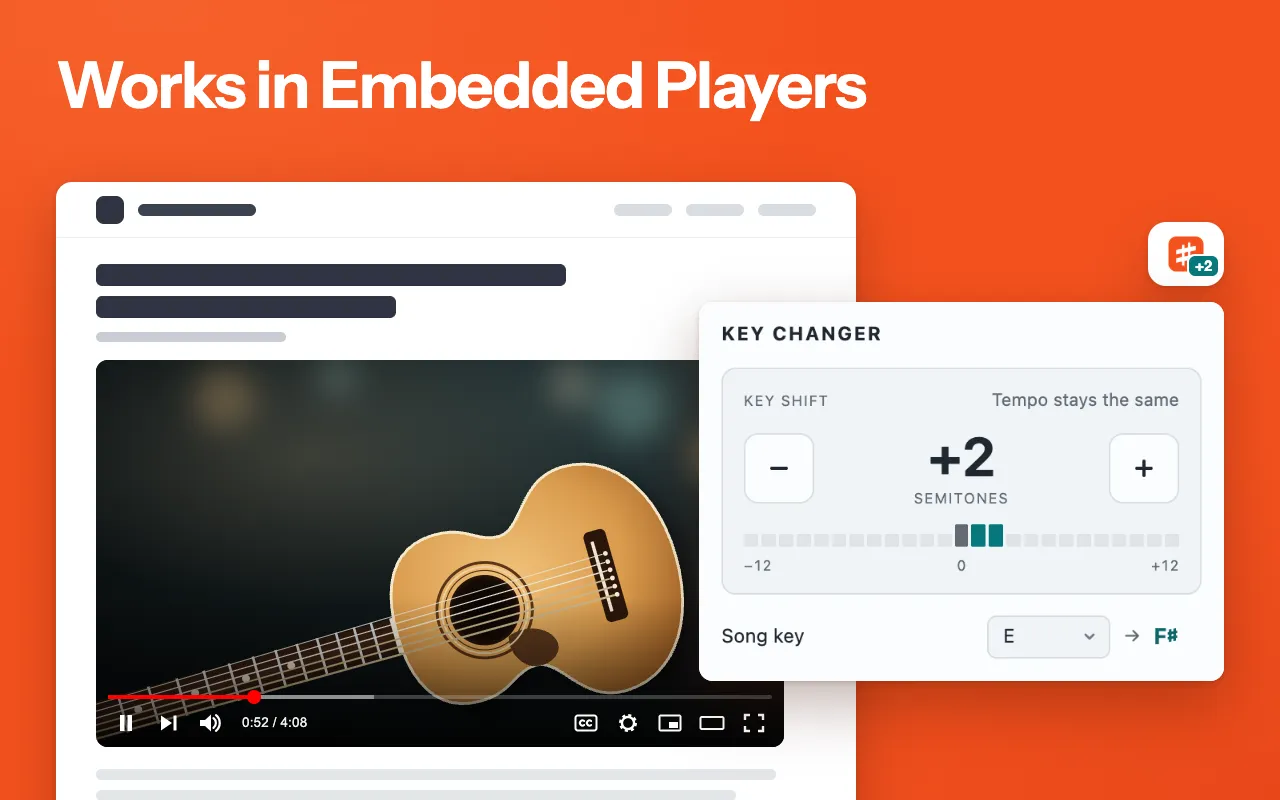
- Of players embedded from other sites, only YouTube and Vimeo are supported. It cannot change audio that another sound extension, such as a volume booster or equalizer, already holds.
- The shift resets when you reload the page, go to another site or close the tab.
Permissions and your data
Does not read or change any web page on its own.
activeTab- Gives Key Changer the tab you are on only after you click its icon or press one of its shortcuts, so it can change the sound there and show the site name in the popup. A YouTube or Vimeo player embedded in another site needs optional access to youtube.com, youtube-nocookie.com or player.vimeo.com, which Chrome asks for only when you click Allow access in the popup.
scripting- Runs the extension's own audio script in that tab when you ask for a new key. On sites that keep their player out of the page itself, a small part of the script also runs in the page to reach it.
storage- Keeps the shift and song key of each open tab until you close it, plus whether you have seen the first-run tips, which embedded players you chose not to allow and the state of the rating prompt.
Questions
Does it work outside YouTube?
Does the shift stay when I open the next video?
Can it change the speed too?
Why does a big shift sound odd?
Try Key Changer
Free. Remove it any time from the Chrome toolbar.